Crepuscular Homunculus



FM-1 FIRMWARE / BY TERKINSTEIN
TERKINSTEIN’s monsters aren’t afraid of FIRE.
Crepuscular Homunculus is TERKINSTEIN’s firmware for the FM-1. Play its sounds and build complete four-track songs on the FM-1 itself. Explore the same controls in the virtual instrument below.
64 curated sounds · six-operator FM · four 64-step tracks · A–D pattern banks
01 / INSIDE THE MACHINE
ONE LITTLE BOX.
ITS OWN WORLD.
Shape a sound. Give it a rhythm. Build a whole song.
It all happens on the FM-1, from the first note to the last pattern.
A creature with a voice.
Play the keys, shape the sound, and watch Homunculus or Thorn Rift respond.
Four parts. One machine.
Independent sounds, 64-step patterns and four banks per track. Add swing to shift the feel.
Get inside the notes.
See your pattern in the piano roll. Adjust pitch and velocity right on the instrument.
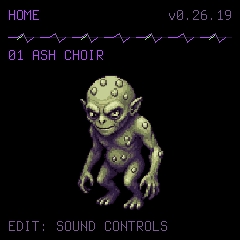
Actual screens from firmware 0.26.19. Example patterns shown.
EXPLORE THE ILLUSTRATED GUIDESoft edges. Heavy machinery.
64 sounds spanning worn keys, deep bass, metallic percussion and uneasy atmospheres. Six-operator FM and hands-on editing make them a starting point.
- ASH CHOIR
- SULFUR TONGUE
- WICKED FELT
02 / PLAY IT YOURSELF
IRON
UNDERTOW.
Heavy drums. Rapid snares. A bassline that fills the room. Hear a complete song made with the sounds in Crepuscular Homunculus, then make it your own.
Load the instrument, press PLAY, then use each track’s A–D buttons to change the arrangement.
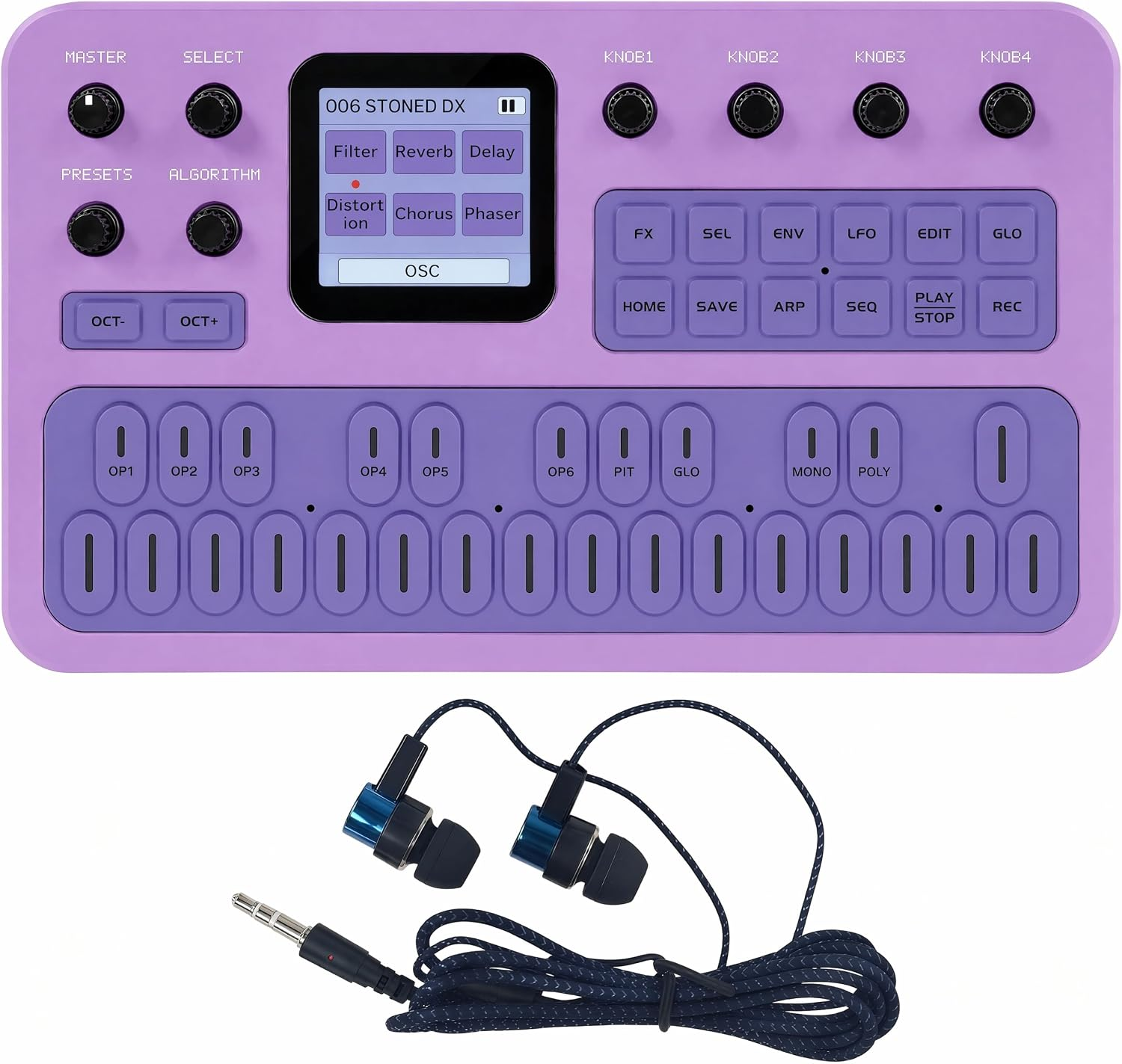
CREPUSCULAR HOMUNCULUSFM-1 / 0.26.19
Ready when you are. Sound begins only when you play.
The real 0.26.19 sound engine, controls and screens, running in your browser. No hardware connection required.
03 / FIRMWARE
YOUR FM-1.
YOUR CHOICE.
Take Crepuscular Homunculus from the browser to your FM-1. Everything you need to play and sequence is on the instrument. Back up your current song before installing.
Install on your FM-1.
VERSION 0.26.19Use Chrome or Edge on your computer. Connect by USB, back up your song, then install. You choose when the update starts.
Connect
- Stop playback and recording. Let go of the keys and wait until the FM-1 is silent.
- Press SAVE on the FM-1. Wait for SAVED.
- Close other music apps and MIDI browser tabs. Unplug other MIDI instruments and controllers. Leave only this FM-1 connected.
Keep its previous firmware file in case you want to go back.
No FM-1 checked yet.
Back up your song
Already using Homunculus? Save a copy of your song before updating. Leave the FM-1 stopped while we read it.
Save homunculus-before-install.json, then choose that same file below. We check that it saved correctly. The separate song file is handy for loading your song later.
These files stay on your computer. They are not uploaded to this site.
What can I back up?
Homunculus versions 0.26.14–0.26.19: all four tracks, their A–D patterns, track sounds and song settings. Some LIVE sound and local settings cannot be copied to a file, so you must also press SAVE on the FM-1.
This does not copy the firmware itself. Other firmware may need its own backup tool. If you want to keep its data, use that tool before continuing. This installer does not load or restore a song for you.
Technical backup details
Install
Next: connect your FM-1.
You will see one final confirmation. After the update, tap HOME once on the FM-1 to leave the artwork. We then check your song.
Not connected.
Show check details
HOMUNCULUS
0.26.19FM-1 .fwsc package · version 0.26.19DOWNLOAD ↗OPEN SOURCEFIRMWARE
SOURCEMatching source and GPL creditsDOWNLOAD SOURCE ↗KEEP A WAY BACKOFFICIAL FM-1
DOWNLOADSKeep a copy of the stock firmwareVISIT M-VAVE ↗
Firmware and source checksums ↗ · Standalone on the FM-1. Final release 0.26.19.